
Refunds
How to Process a Refund
- Tap the menu icon (☰) on the Pay screen.
- Select Reports.
- Tap Transaction History.
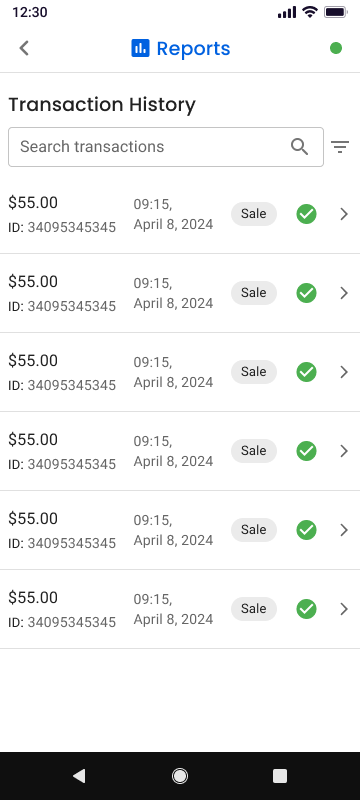
- Select the transaction you want to refund.
- On the Transaction Details screen, tap Refund.
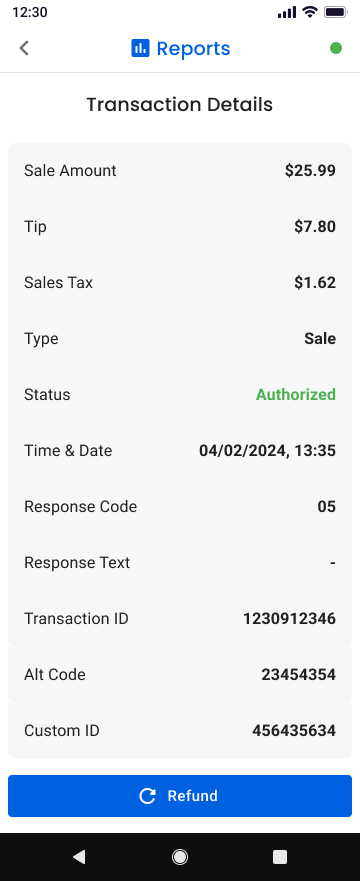
- Confirm the refund amount.
- Tap Submit Refund to process the refund.
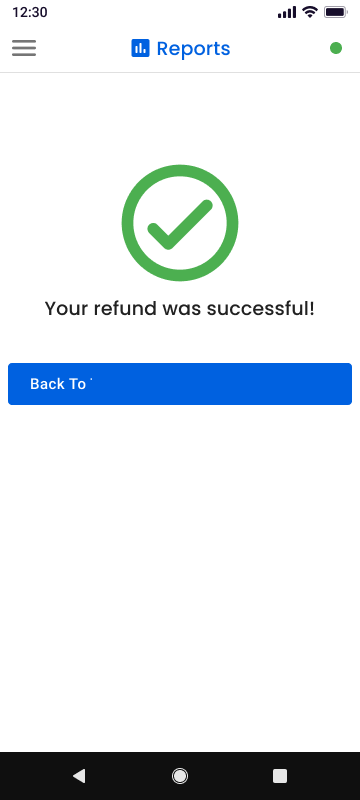
A confirmation screen will appear once the refund has been processed.
Updated 3 months ago
Did this page help you?