
Accessing the BluePOS App
Bluefin PayConex™ users can utilize the BluePOS payment application on approved PAX terminals. BluePOS supports streamlined payment processing across multiple payment methods and offers the advantage of direct development support for our clients.
BluePOS terminals are preprogrammed and ready to use once connected to your communication network.
- From the home screen, select the BluePOS App.
- Click anywhere on the splash screen.

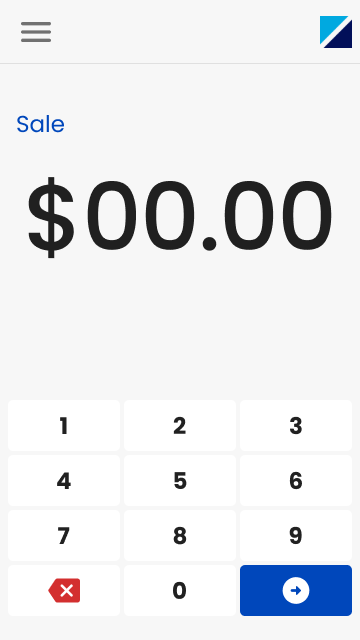
- You will be directed to the Sale screen.
Accessing the Main Menu
Additional transaction types are available from the application menu.
To access the menu, select the hamburger icon in the upper-left corner of the Sale screen. From the menu, you can perform the following transaction types:
- Manual Card Entry
- Force Authorization
- Return a Settled Transaction
- Void a Transaction
- Authorization
- Post Authorization
Menu Options Depend on Admin SettingsSome options will only appear in the Main Menu if they have been configured in the Admin Menu.
Updated 6 months ago
Did this page help you?