
Decryptx v6.9.0 - 09.29.26
This release focuses on improving device management, logging, and overall usability across P2PE Manager. Updates include a redesigned Logging experience, improvements to Device Swap and device state changes, greater visibility into device Key Type information, and clearer application and login messaging.
We’ve also addressed several issues across 2FA setup, Device Records and reporting, Advanced Search, Decryptions reporting, and KIF User security settings to provide a more consistent and reliable experience.
Key Features and Enhancments
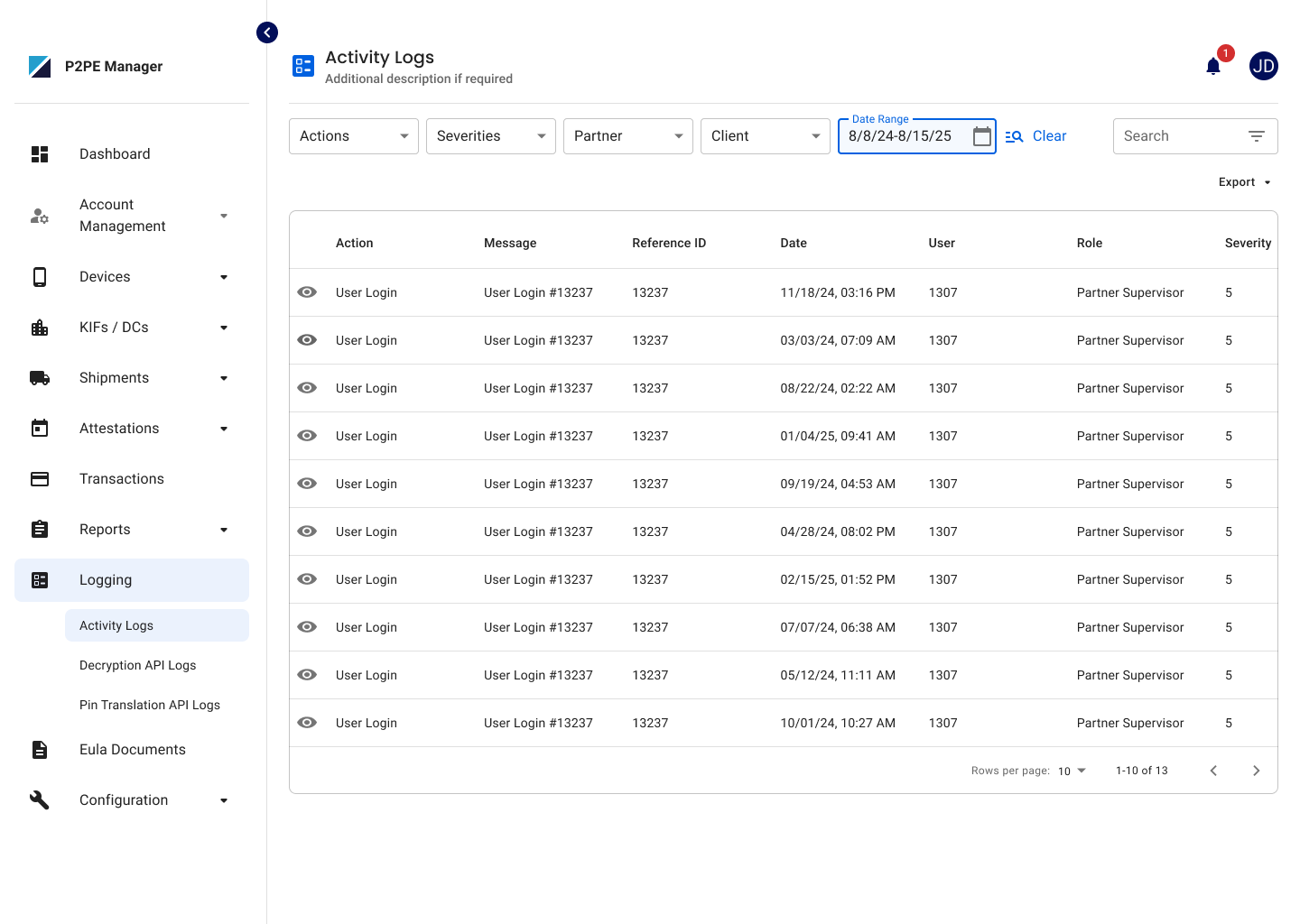
Redesigned Logging Experience
The Logging experience has been redesigned with dedicated pages for different log types, making it easier to find and review relevant activity. Partner Supervisors can now access their applicable logs from the Activity Logs page in the new Logging section.
Improved Device Swap Experience
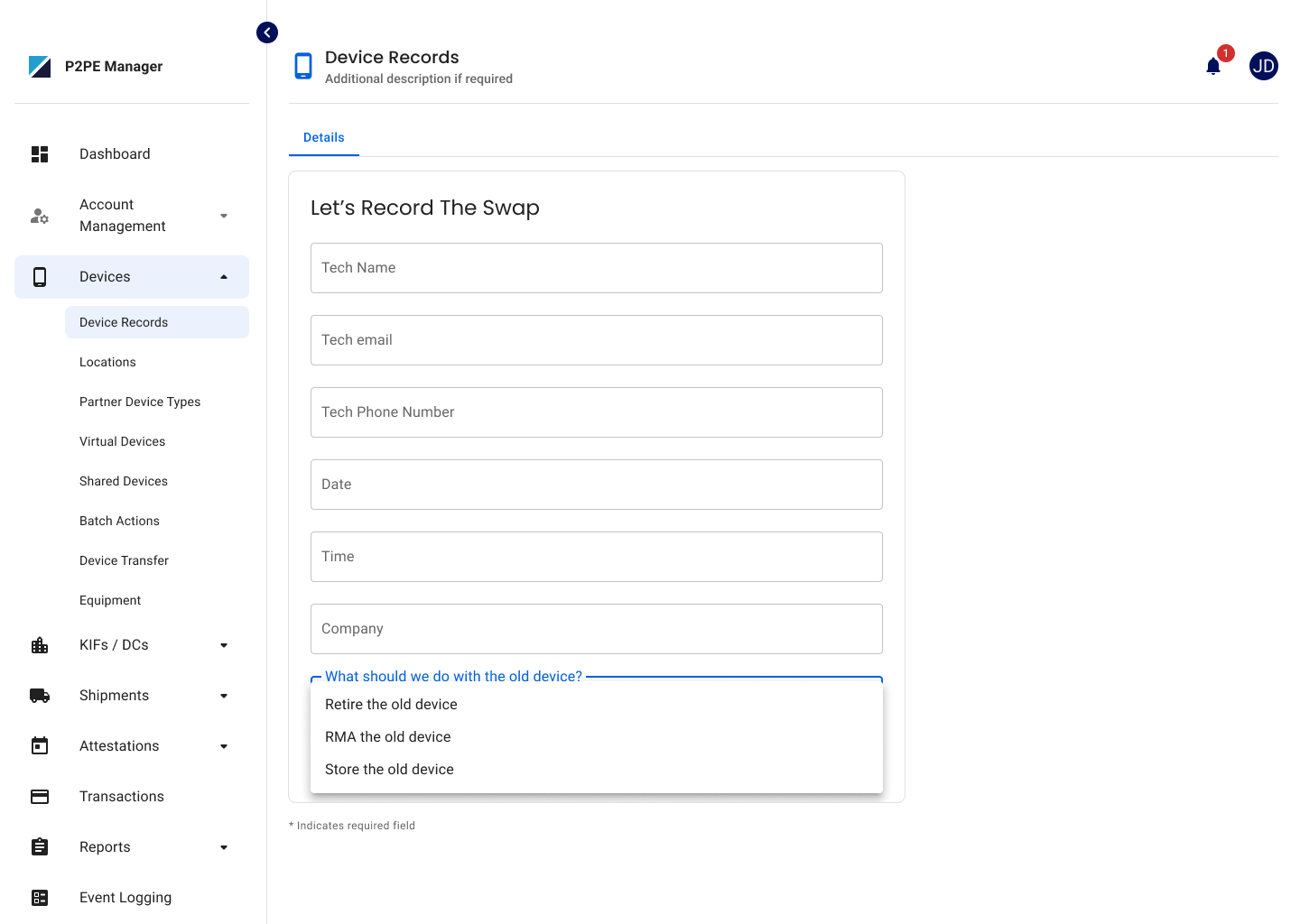
Partner Supervisors can now select Store the old device during a Device Swap, allowing the old device to be placed in the Stored state.
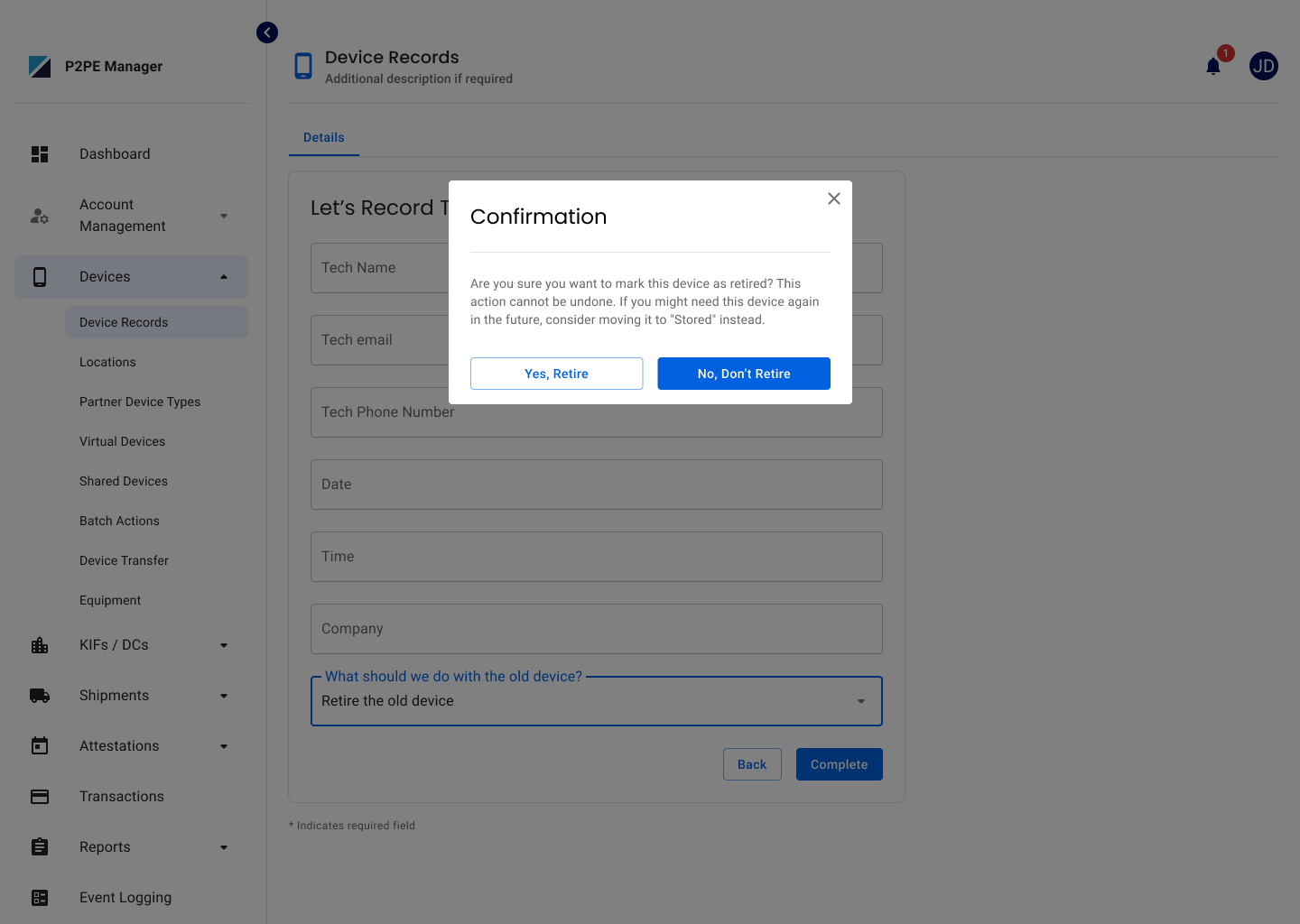
Confirmation messages have also been added when selecting Retire or RMA to clearly communicate that these actions cannot be undone.
Device State Change Confirmation Messaging
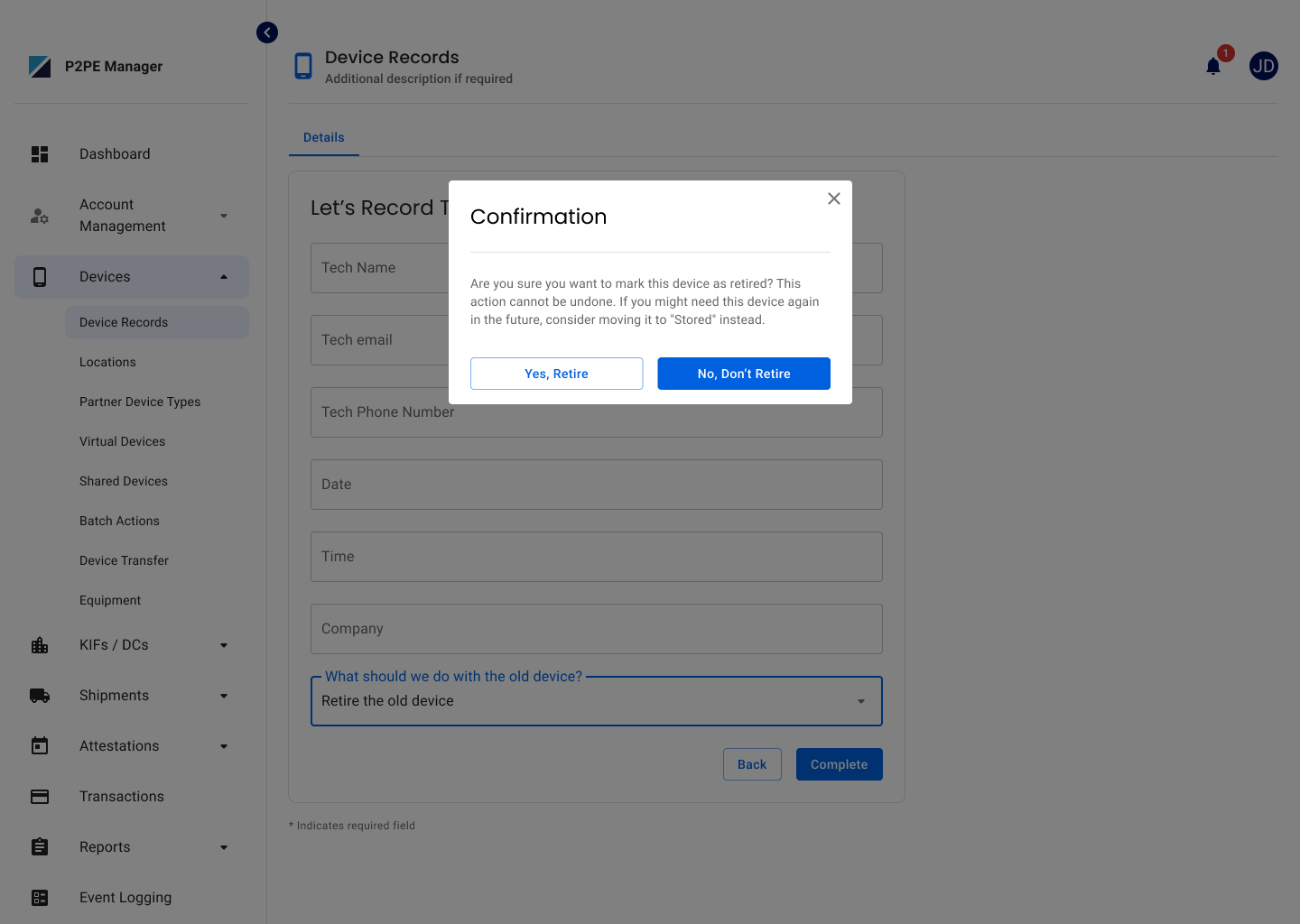
Updated confirmation messages for Retire and RMA device state changes, including both individual and bulk updates, to clearly communicate that these actions cannot be undone and that Stored may be used when devices could be needed again.
Key Type Visibility for Devices
Partners and Clients can now view the Key Type associated with a device directly from the Device Record and in the Device Records CSV report, making it easier to identify the type of cryptography associated with their devices.
Improved Login Error Messaging
Updated login error messages to provide clearer, user-friendly guidance when a sign-in attempt cannot be completed, instead of displaying technical system errors.
Terminal ID Visibility
The Terminal ID field on Device Records is now displayed only when applicable based on the selected Partner and DirectConex configuration, helping keep the page and exported report focused on relevant information.
Improved Application Messages
Updated application messages to remain visible longer based on message type and added the ability to manually dismiss them, making important information easier to read and understand.
Bug Fixes
Device Records Report
Updated the Device Records CSV report to ensure Inject Key information is displayed based on the user’s existing access permissions.
Two-Factor Authentication Setup
Resolved an issue where users required to configure 2FA could be redirected back to the login screen before completing setup. Users can now complete the required 2FA setup and continue into P2PE Manager as expected.
Device Activity Report Accuracy
Updated the Device Activity Report to ensure the Last Use date reflects the most recent device activity.
Advanced Search Filter Display
Resolved an issue where selected Partner or Client filters appeared blank after being applied in Advanced Search. Selected filters now remain visible, making it easier to see which search criteria are currently applied.
Decryptions Total Report Default View
Resolved an issue where the Decryptions Total Report could default to the Hourly view after applying filters. The report now defaults to the expected Daily view.
Security Settings for KIF Users
Resolved an issue preventing the Security Settings page from loading correctly for KIF Users. MFA status now displays as expected without an internal server error.