
Decryptx v.6.7.0 - 05.27.26
This release introduces new email verification prompts to help keep account information secure, while minimizing disruption with a more flexible and user-friendly experience. It also includes usability improvements such as persistent filters and more controlled report filtering, making it easier to navigate and work with data.
In addition, several fixes have been made to improve accuracy and consistency across the platform, including updates to the Upcoming Attestations view, client location editing, and overall UI alignment.
Key Features and Enhancements
Email Verification Prompts
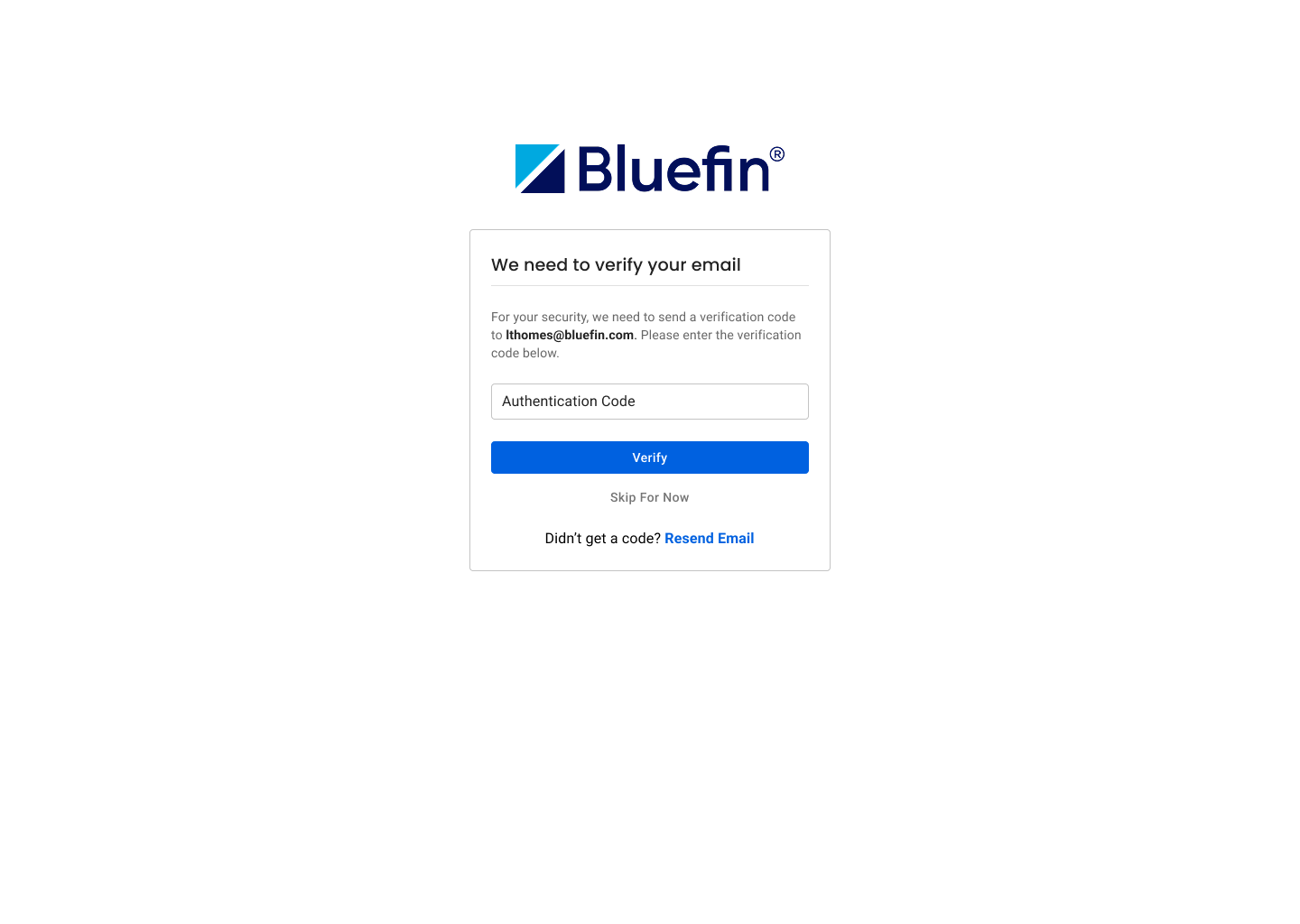
Email verification prompts have been added to help keep your account information secure. You’ll only be asked to verify your email when needed.
Improved Filter Persistence
Filters will now stay applied as you navigate between pages or open and close records, so you don’t have to reapply them and can continue working without losing your place.
Improved Report Filtering Experience
Added an Apply button to Partner and Client Transaction Summary reports so filters are only applied when you’re ready, helping avoid unnecessary reloads and making it easier to control your results.
Bug Fixes
Improved Upcoming Attestations
Updated the Upcoming Attestations tab to better reflect devices that require attention in the near term.
Fixed Forgot Password Page Layout
Fixed an issue with button alignment on the Forgot Password page to improve visual consistency.
Fixed Client Location Editing Issue
Fixed an issue where imported client locations could not be edited due to a Site Code validation error, even when the Site Code feature was not enabled. Locations can now be updated as expected without unnecessary validation errors.