
Decryptx v.6.5.0 - 02.10.2026
This release focuses on improving visibility, usability, and overall reliability in P2PE Manager. It includes expanded access to Event Logging for Partner Supervisors with data scoped to their organization, clearer instructions in shipment confirmation emails, and a few UI improvements to the Device Swap flow. We also fixed several login and reporting issues to help reduce friction and improve the day to day experience.
Key Features and Enhancements
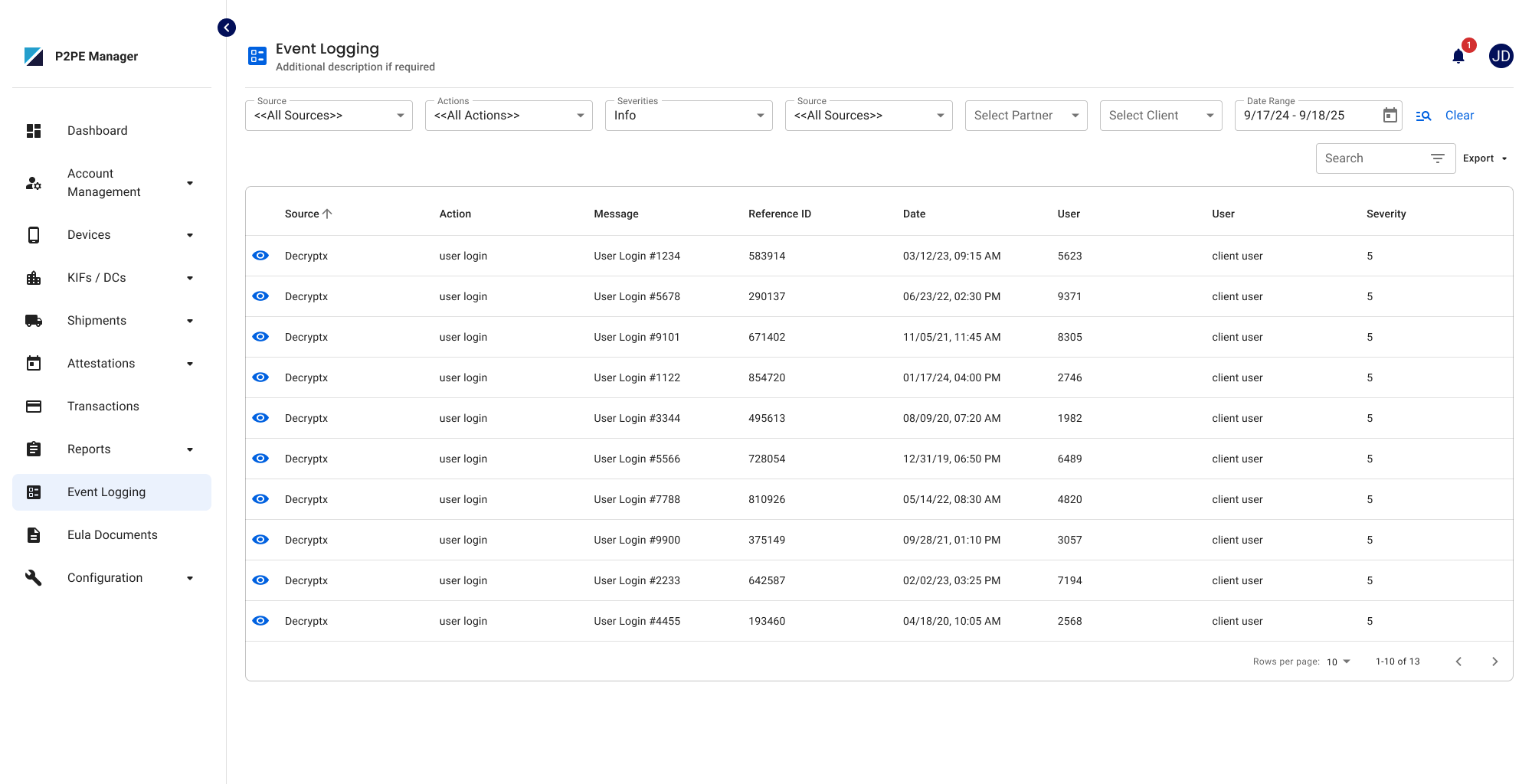
Event Logging Access for Partner Supervisors
Partner Supervisors can now access the Event Logging page. The data displayed is limited to their organization and partner hierarchy by default, and any searches or exports will only include data within that scope.
Shipment Confirmation Email Update
The default shipment confirmation email now clearly instructs users to confirm device receipt in P2PE Manager within 14 days and explains how to place the device in Stored status if it’s not ready for deployment. Existing custom email templates are not affected.
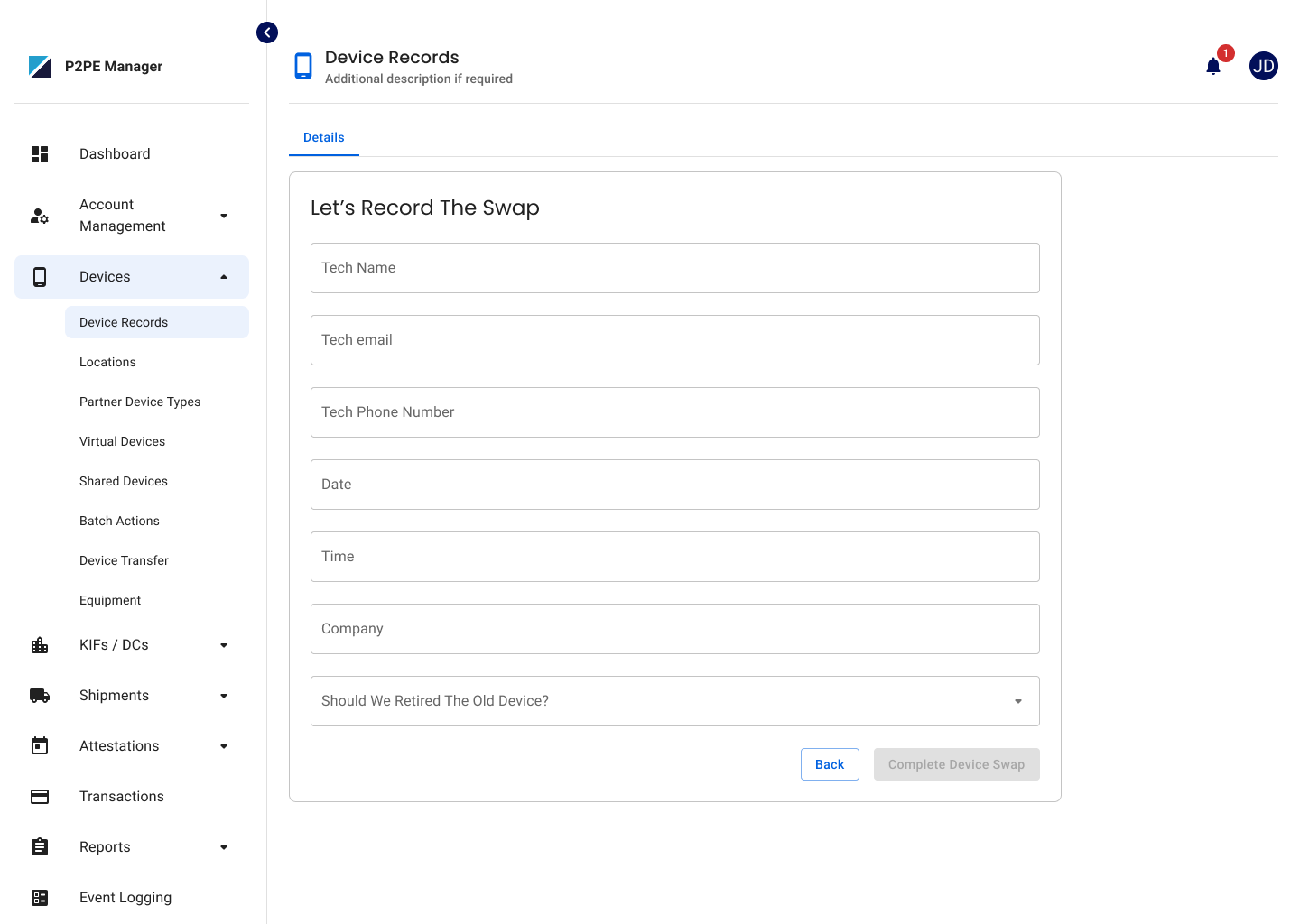
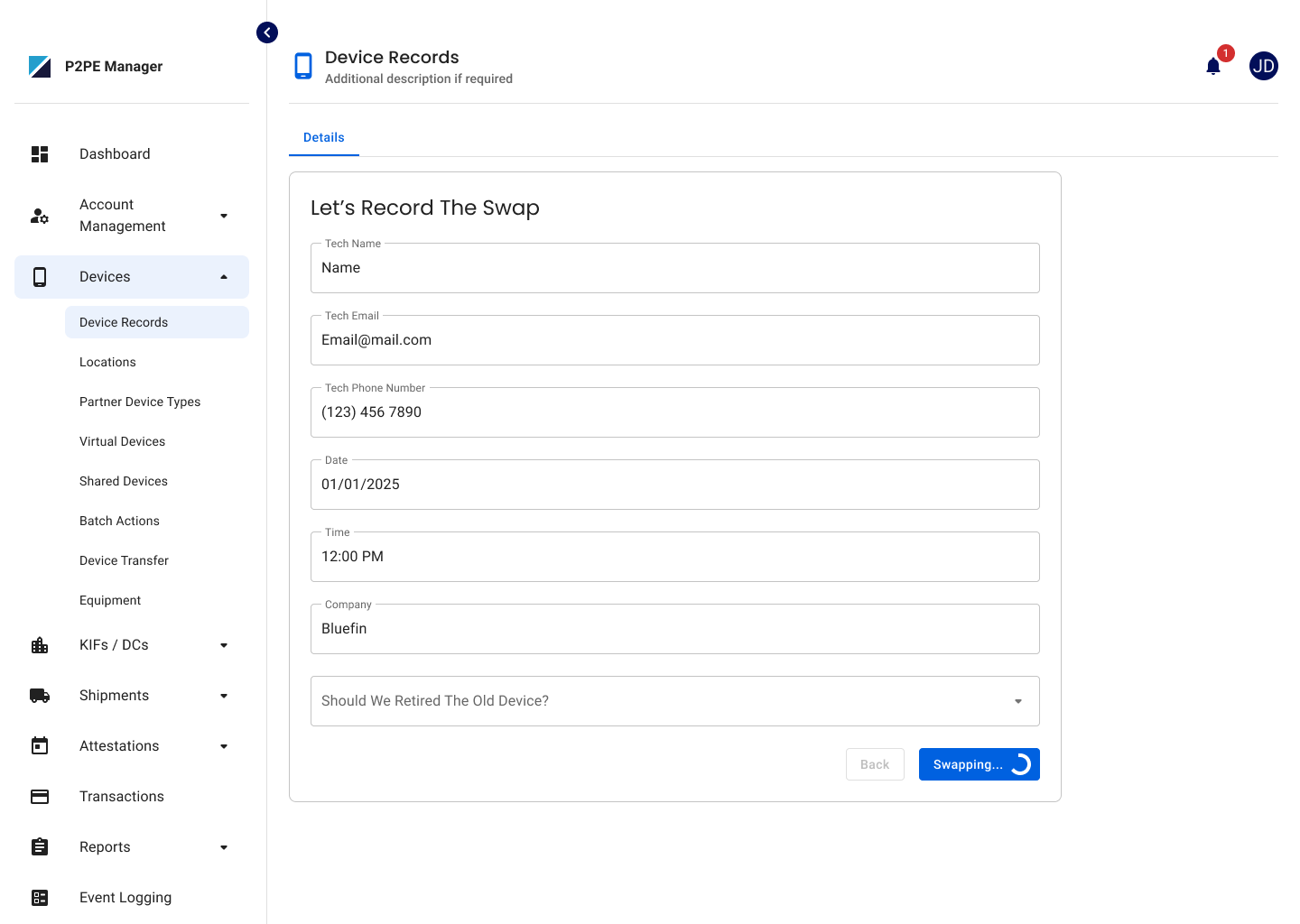
Device Swap UI Updates
The Device Swap screen was updated with small UI improvements, including clearer card styling, corrected text, improved button loading behavior, and better navigation handling during the swap process.
New Email Notifications for Deactivations and Partner Key Updates
Four new email templates have been added that Partner Supervisors can customize. These templates send notifications when a Partner, Client, or Location is deactivated, and when a Partner Key is updated. Partner Supervisors can configure recipients and select the tokens included in each email, consistent with existing email template behavior.
Bug Fixes
Report Name Display Correction
The report name at the top of the Partner and Client Transaction Summary reports now displays correctly and is no longer cut off.
Device Replacement Report Fix
Fixed an issue where device swap records were missing from the Device Replacement Report when Site Code was enabled for a partner. Device swaps will now display correctly in the report.
2FA Setup Login Loop Fixed
Resolved an issue where users required to set up 2FA could get stuck in a login loop if they navigated away from the setup page. Users will now remain logged in and be redirected back to the 2FA setup page until setup is completed.
CERT Login Double Click Fix
Fixed an issue in the CERT environment where users had to click Login twice to complete authentication. Users will now be logged in successfully on the first attempt and taken directly to the Dashboard.